



You’ve booked the stand. The sales team wants handouts. Someone in leadership has asked for “a simple flyer” by Friday. Then the questions start. Should it be A4 or A5? Will it fit on the counter? Is the artwork sharp enough? What on earth is bleed?
If you’re a new marketing manager, this moment can feel bigger than it should. A flyer looks simple, but the size of flyer you choose affects everything that follows. Design, message length, print cost, how people hold it, whether they keep it, and whether the campaign feels polished or rushed.
That’s why flyer choice isn’t just a print setting. It’s a business decision. Printed flyers still earn strong attention, with response rates between 2.7% and 4.4% compared with email marketing’s 0.6%, and 89% of people remember receiving a flyer according to NextDayFlyers’ flyer statistics roundup. If you’re pairing print with branded giveaways, it also helps to think about the flyer as part of a wider campaign mix, alongside items like pens, drink bottles, bags, and other promotional products.
Your Flyer Is More Than Just Paper
A flyer often gets treated like the last item on the to-do list. In practice, it’s usually the piece your customer physically holds, folds, pockets, sticks on a desk, or passes to a colleague. That changes how you should think about it.
A large flyer can feel informative and substantial. A smaller one can feel quick, convenient, and easy to keep. Neither is automatically better. The right choice depends on what job the flyer needs to do.
Consider two common situations. A café promoting a seasonal menu needs room for visuals, prices, and enough detail for someone standing at the counter. A community event organiser handing out thousands of pieces at a busy weekend market needs portability and speed. Those are two different communication problems, so they usually need two different flyer sizes.
Practical rule: Don’t start by asking “What size do printers offer?” Start by asking “How will people receive this, and what do they need to do next?”
That shift matters because flyer marketing performs best when the format supports the message. If a flyer is too small, the content gets cramped. If it’s too large, the handout can feel wasteful or awkward. Good print feels natural in the hand and clear at a glance.
The encouraging part is this. You don’t need to memorise every paper standard to make a smart decision. Once you understand a few core sizes, a few print file basics, and the link between size, budget, and purpose, the whole process becomes much easier to manage.
The Anatomy of a Perfect Print File
Before you settle on dimensions, get the file fundamentals right. Most flyer problems don’t begin on the printing press. They begin in the artwork.
Think in layers, not just edges
A print file has three invisible zones that matter.
- Safe area means the inner zone where your logo, headline, phone number, QR code, and other important elements should sit.
- Trim line is where the finished flyer gets cut.
- Bleed is the extra artwork that extends past the trim line.
If that sounds abstract, use this mental picture. Think of bleed like the crust on a pizza. Nobody orders the pizza for the crust alone, but you need that outer edge so the important part in the middle stays intact. In print, the bleed gives the cutting process a margin for tiny movement, so you don’t end up with accidental white slivers around the edge.
Why beginners get caught out
Design software makes it easy to line text up neatly with the page edge. That often looks tidy on screen, but it’s risky in print. If your heading or logo sits too close to the trim line, a normal production shift can make the finished piece look off-centre or even clip the content.
Keep your important information comfortably inside the safe area. Let background colours and full-page images run into the bleed. That single habit solves a lot of common print disappointments.
Keep the critical message in the middle. Let decorative elements do the stretching.
The three non-negotiables
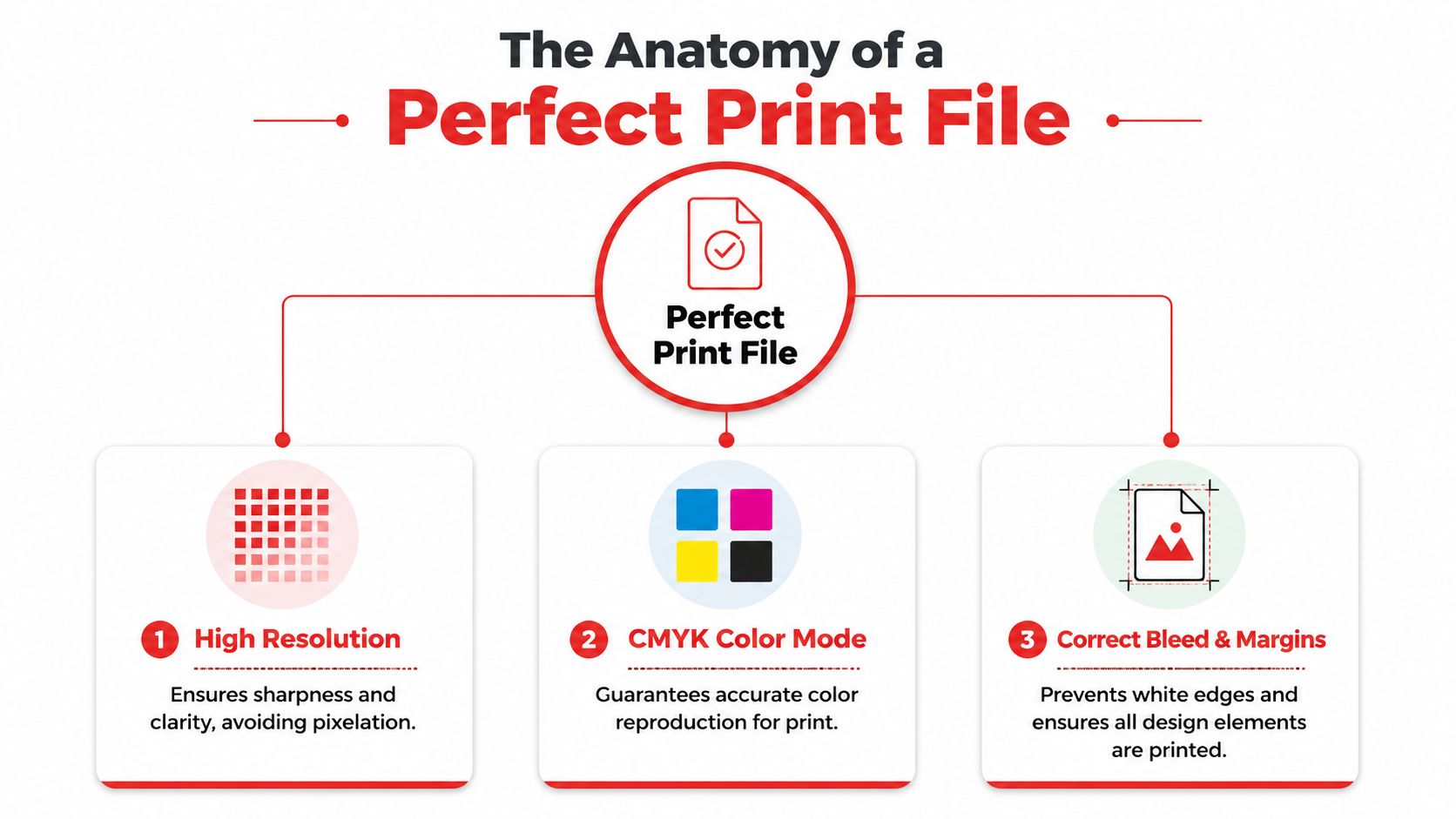
A solid flyer file usually comes down to three checks:
-
High resolution
Low-resolution images may look acceptable on a laptop and poor on paper. Printed pieces reveal softness quickly. -
CMYK colour mode
Screens show colour with light. Printers build colour with ink. If your file isn’t set up for print, colour surprises become more likely. -
Correct bleed and margins
This is what keeps the flyer looking intentional after trimming, rather than slightly chopped.
If you want a useful companion reference for larger-format thinking, this print a poster guide is handy because many of the same layout habits carry across from posters to flyers, especially around readability and edge control.
For teams sending artwork to a printer, it also helps to run through a practical submission checklist before upload. These artwork submission tips for beginners explain the common setup issues that delay jobs or trigger revisions.
A Guide to Standard Flyer Dimensions
In Australia, most flyer conversations revolve around the A-series sizes, plus DL. These aren’t just measurements. Each one creates a different experience for the person receiving it.
A4 is the familiar office-document size and works well when you need room. A5 feels more like a compact handout. A6 is closer to a quick-grab promo piece. DL is long and narrow, which makes it useful for counters, menus, and mail-style formats.
For businesses that work across regions, there’s one useful point to remember. A4 (210 × 297mm) has gained acceptance as a global “safe choice” for office displays, while 8.5" × 11" US Letter remains common globally and predominant in North American markets, as noted in Chilli Printing’s overview of standard flyer sizes.
Standard Australian Flyer Sizes at a Glance
What each size feels like
- A4 feels authoritative. It suits information-heavy layouts and places where the flyer may be pinned, displayed, or read in a more stationary setting.
- A5 is the practical middle ground. It’s easier to hand out than A4, but it still gives your designer room to breathe.
- A6 feels immediate. It asks for one simple message, not a full story.
- DL feels tidy and vertical. It’s useful when the content naturally stacks, such as opening hours, menu highlights, or a short list of services.
If you’re exploring formats beyond the standard set, these custom printing options can help you compare what shape and size make sense for your campaign.
Matching Your Flyer Size to Your Goal
The easiest way to choose the size of flyer is to stop thinking like a designer for a moment and think like a campaign planner. What do you need the flyer to achieve?
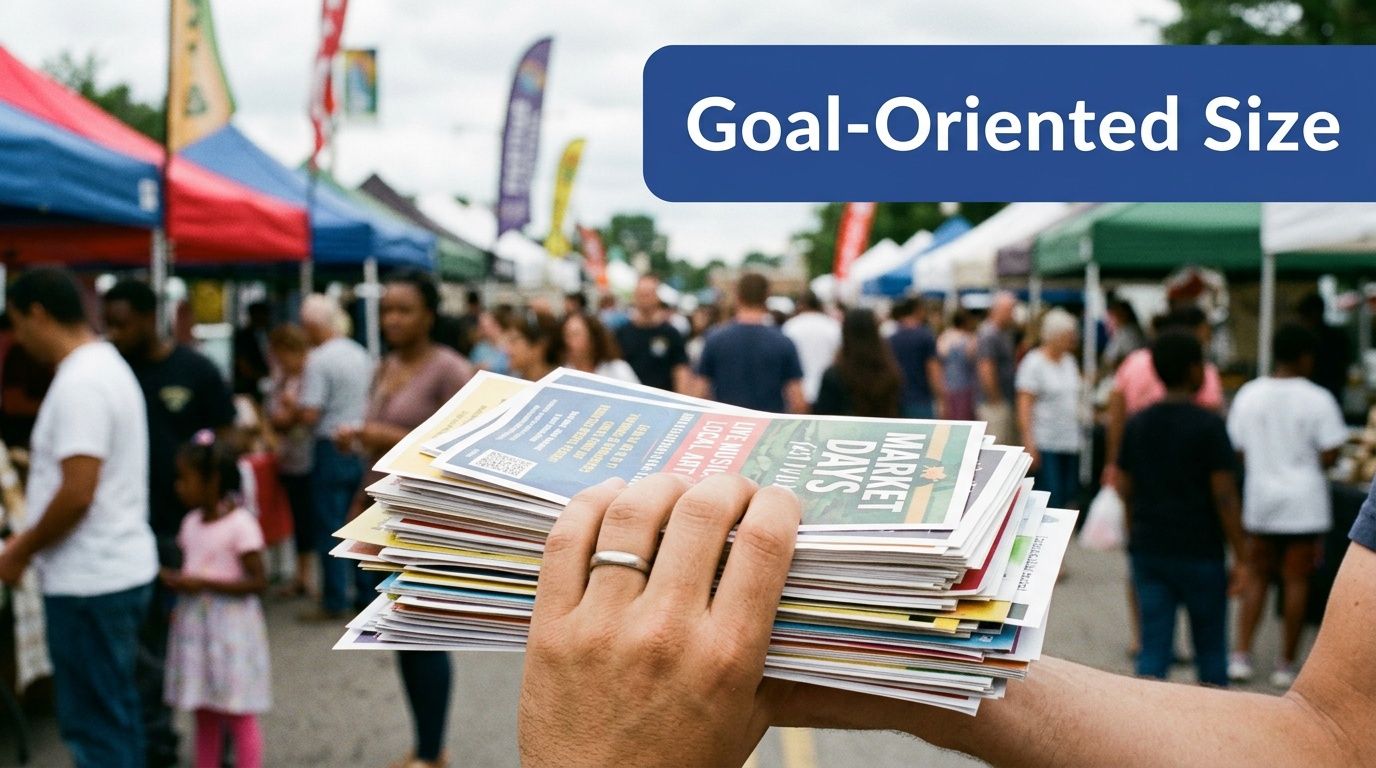
If your goal is broad distribution
When you’re handing out flyers in large numbers, smaller formats usually make more sense. They’re lighter, easier to carry, easier to pocket, and quicker for someone to scan while walking.
Quarter-page thinking proves valuable. The quarter-page flyer format at 4.25″ × 5.5″ yields four complete flyers per standard sheet and can reduce material waste and production costs by approximately 75% compared with standard sizes, according to Swift Publisher’s flyer size guide. That makes small-format flyers attractive for discount offers, launch announcements, and QR-led campaigns.
The catch is simple. Small flyers demand discipline. One core message. One action. One reason to care.
If your goal is a stronger product story
A5 is often the sweet spot when you need more than a headline and a code. It gives you room for a hero image, a short benefits list, and contact details without feeling bulky. For many Australian businesses, that makes it a reliable event handout or countertop piece.
A5 also pairs well with physical giveaways. If you’re putting a flyer in a welcome bag, conference pack, or retail bundle, the format tends to sit neatly beside compact branded items such as promotional pens.
The flyer and the giveaway should feel like they belong to the same campaign, not like two unrelated items forced into the same bag.
If your goal is detail, display, or authority
Use A4 when the flyer needs to carry real information. Schedules, service breakdowns, multiple offers, menu sections, or more substantial visuals usually benefit from the extra space. It’s also easier to read at a distance on a noticeboard or reception desk.
That doesn’t mean bigger is always more effective. It means bigger works when the reader has a reason to pause. If the environment is noisy and fast-moving, a leaner format often wins because it respects attention span.
A practical matching guide
Here’s a straightforward way to decide:
- Fast-moving foot traffic calls for a smaller, simpler flyer.
- Countertop browsing often suits A5 or DL.
- Detailed information usually belongs on A4.
- Mass distribution on a tight budget points toward quarter-page or A6-style thinking.
- Envelope-friendly or narrow display needs make DL a strong option.
The best flyer size isn’t the one with the most space. It’s the one that gives your message exactly enough room to work.
Essential Rules for Print-Ready Artwork
Once the flyer size is locked in, the next priority is making sure the file prints cleanly. Without this, a lot of otherwise strong campaigns lose polish.
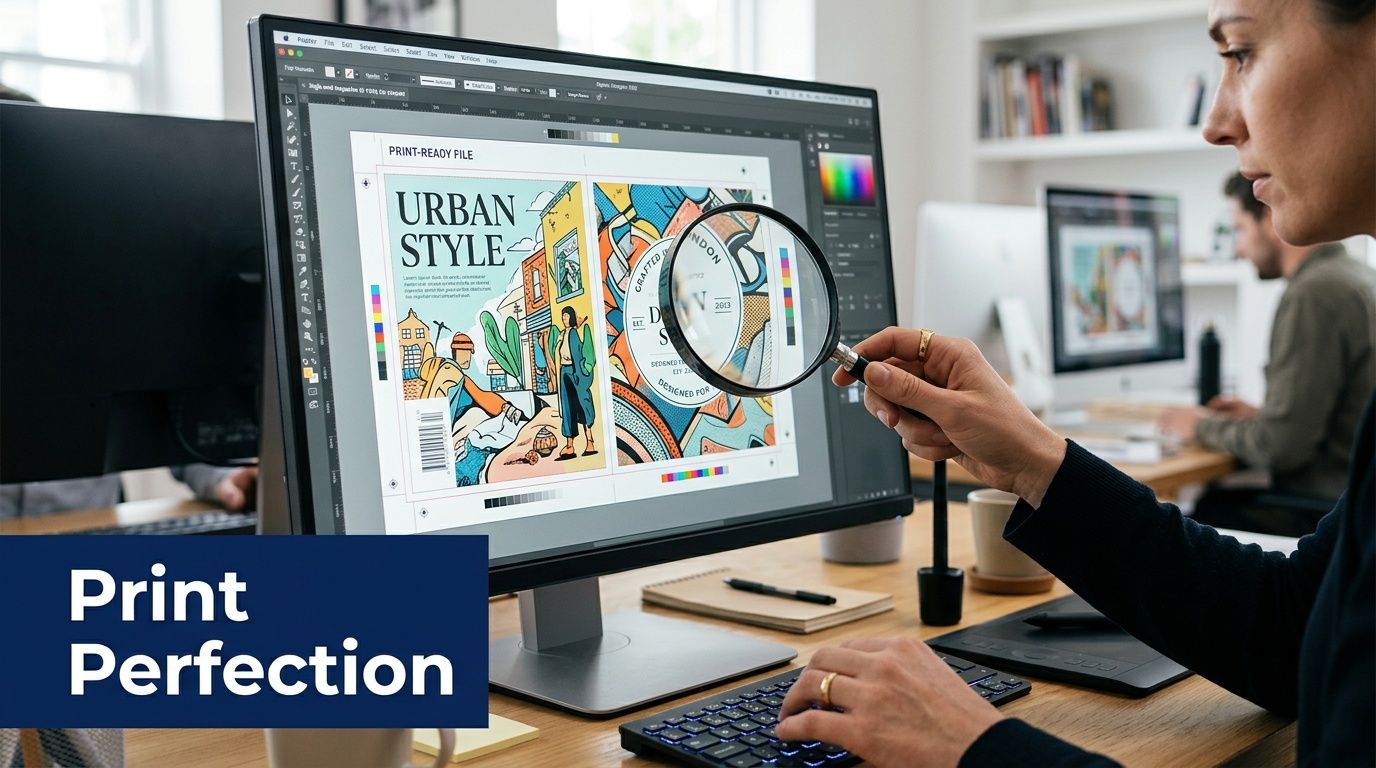
Rule one: build for 300 DPI
For professional flyer printing, 300 DPI is the standard, and for an A4 flyer at 210mm × 297mm that means 2480 × 3508 pixels. An A5 flyer at 148mm × 210mm requires 1748 × 2480 pixels, according to Figma’s flyer size resource. If your artwork is smaller than that and gets stretched, the print can look blurry or pixelated.
This confuses people because screens are forgiving. A web image can look crisp on a monitor and still be unsuitable for print. Paper is less forgiving. It shows softness, jagged edges, and low-detail photos very quickly.
If you’re checking files before sending them on, this guide to adjusting image resolution for printing is useful for understanding what DPI changes do and when an image can or can’t be salvaged.
Rule two: use CMYK for print colour
Your laptop or phone displays colour in RGB. Commercial print uses CMYK. If you design in RGB and leave the conversion until the last minute, some colours may shift more than you expect.
Bright digital blues, greens, and neon-like tones are common trouble spots. That doesn’t mean your flyer will look bad. It means you need to design with print reality in mind rather than screen brightness alone.
Rule three: export a proper PDF
A press-ready PDF is the safest final format in most print workflows. It holds your layout together, keeps fonts and images more stable, and reduces the chance of someone opening the file and seeing a broken design.
A practical file-prep routine looks like this:
- Check image size before placing it into the layout, not after.
- Confirm document colour mode before final design sign-off.
- Export with bleed included so the printer receives the full production file.
- Review the PDF at full size to catch tiny text, alignment problems, or accidental edge issues.
Printer’s mindset: A beautiful design file isn’t automatically a printable file.
One more point matters. More resolution isn’t always better. Extremely heavy files can slow approvals and handling without adding visible quality. What you want is the correct resolution, not the biggest possible file.
Your Pre-Print Checklist for Success
A good flyer order usually feels calm. The objective is clear, the size fits the job, the file is prepared properly, and the approvals are done before production starts. That’s what saves time, rework, and awkward conversations on deadline day.
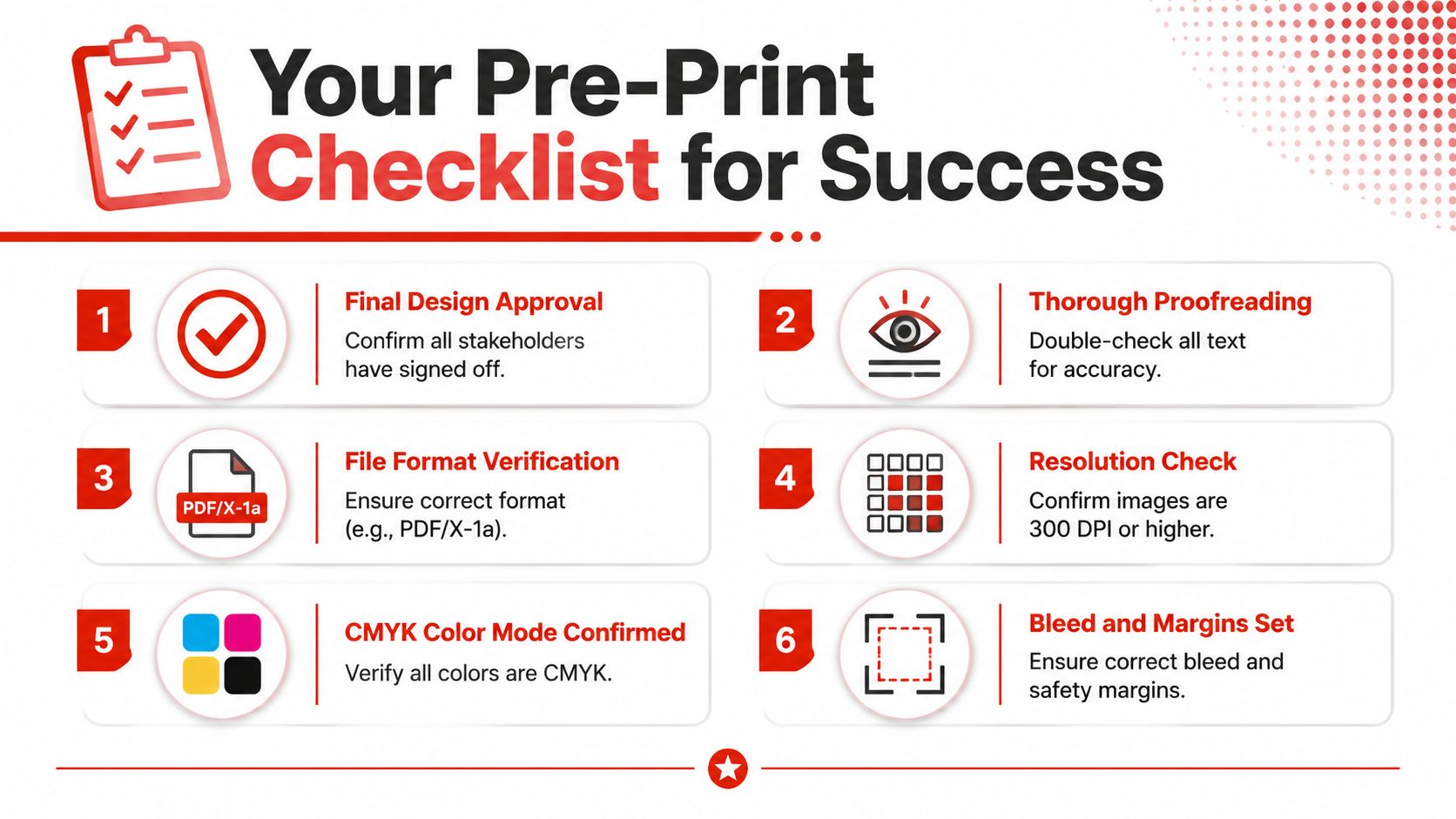
Run this check before you order
-
Match size to purpose
Confirm the flyer format suits how it will be distributed. Handout, display, insert, mail-style piece, or event pack all call for slightly different choices. -
Trim the message
If the page feels crowded, the problem often isn’t the layout. It’s too much copy for the chosen size. -
Review all artwork elements
Logos, QR codes, contact details, and headlines should sit safely away from the edge. -
Verify print settings
Resolution, colour mode, and final export settings should all align with print requirements. -
Proofread like a customer
Don’t just scan for spelling. Read it as if you know nothing about the offer. Is the next step obvious? -
Get final sign-off before submission
Last-minute changes after approval are where errors creep in.
Think like a buyer, not only a designer
Marketing managers often get pulled into visual decisions first. A better habit is to ask commercial questions first.
If you want to compare how another print provider frames flyer production and turnaround, these Business Mail Boutique flyer services are a useful reference point for seeing how service expectations are often presented in the market.
For Australian teams gathering specs before placing an order, an instant print quote can help turn your size, quantity, and artwork choices into a practical next step.
A flyer succeeds when the format, message, and production file all support the same job.
You don’t need to be a print specialist to make strong decisions here. You just need a clear purpose, the right size of flyer for that purpose, and a file that respects how print works.
If you’re ready to turn your flyer idea into a print-ready campaign, Simply Merchandise can help you compare sizes, check artwork requirements, and organise branded print and merchandise that fit your brief.

